
hashmat00

-
Featured
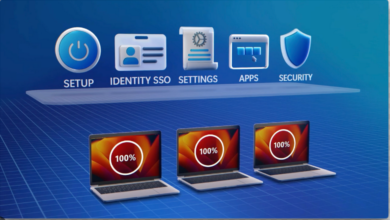
MAC – Manage with Intune
Microsoft Intune has positioned itself as a leader in Unified Endpoint Management (UEM), focusing on simplifying management and enhancing the…
Read More » -
Install Windows Updates on remote machine
Use this script to install all available windows update on a remote machine <# .SYNOPSIS This script will automatically…
Read More » -
Featured

Get-hotfix -asJob Remote machine
use this script to get hotfix details from remote machine as -asJob #$servers = ('chn6vmdp01', 'ca7vmdp01', 'gbr2vmdp01') $servers =…
Read More » -
SCCM

install module on remote machine
use this script to install powershell module on remote machine $s = 'server1' [Net.ServicePointManager]::SecurityProtocol += [Net.SecurityProtocolType]::Tls12 Enter-PSSession -ComputerName $c invoke-command…
Read More » -
Featured

get patch installed as background job
$servers = Get-Content -Path "C:\servers.txt" foreach($comp in $servers){ $pingtest = Test-Connection -ComputerName $comp -Quiet -Count 1 -ErrorAction SilentlyContinue if($pingtest){ Write-Host($comp…
Read More » -
Power Shell
Background job – examples
Use background job to run multiple script same time in background without waiting for session to complete $computer = @('server1',…
Read More » -
Featured

check Single Patch KB ID installed on Remote Machine
Use this script to check if a single patch kb id installed on remote server use single line of command…
Read More » -
Power Shell
Check Patches Installed and send email
$RemoteComputers = get-content "C:\test\dpservers.txt" ForEach ($Computer in $RemoteComputers) { Try { Invoke-Command -Computername $Computer -ScriptBlock { $head=@” <style> @charset “UTF-8”;…
Read More » -
Featured
Post Patching Server Validation
Use This script to validate server after post patching installation up time auto service pending reboot # Descritption : This…
Read More » -
Power Shell
Copy Log files from remote machine
Use this script to copy log file from a remote machine and save it locally $device = Get-Content -Path "C:\clients…
Read More »